
Password Guardian - Strong Password Rules, Live Strength Meter & Renewal Campaigns images
Password Guardian - Strong Password Rules, Live Strength Meter & Renewal Campaigns
Price:
€49.99
No tax
Weak passwords are the easiest way into any store. Password Guardian enforces your password policy for customers AND back-office employees — with a live strength meter people actually understand: a color-coded bar and a real-time checklist right next to every password field, at registration, "My account", checkout and the back office. Add optional account-activation emails, run one-click password-renewal campaigns, and give every field a show/hide eye icon. For PrestaShop 1.7 – 9.
The easiest attack on your store is a weak password
Customer accounts hold addresses, order history and stored carts; employee accounts hold everything else. A password policy written on some help page protects nothing — enforcement has to happen in the form field itself, at the moment the password is typed. That is exactly what Password Guardian does.
How it works
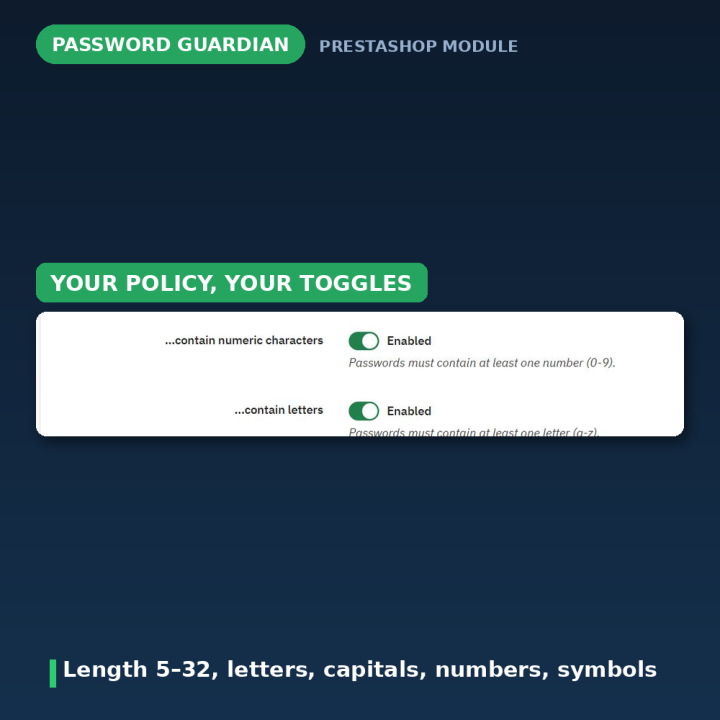
- 1. Set your rules — minimum length (5–32) plus any combination of letters, capital letters, numbers and special characters. A live preview on the configure page lets you try your policy before saving.
- 2. The meter appears everywhere automatically — registration, "My account", checkout and back-office password fields all get a live checklist and color-coded strength bar. No theme edits: the module detects any standard password field by itself.
- 3. Level up when you need to — require account-activation emails, or run a password-renewal campaign across your whole customer base in one click.
A strength meter people actually understand
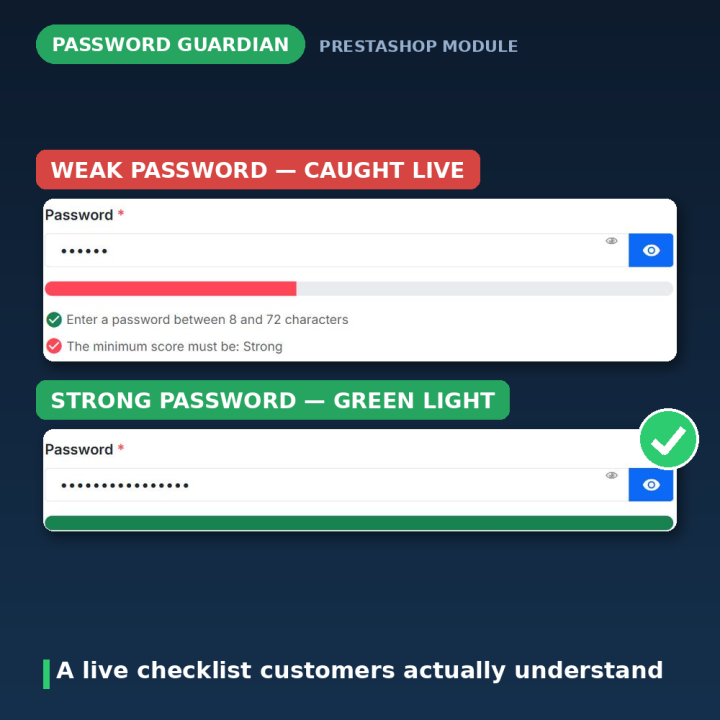
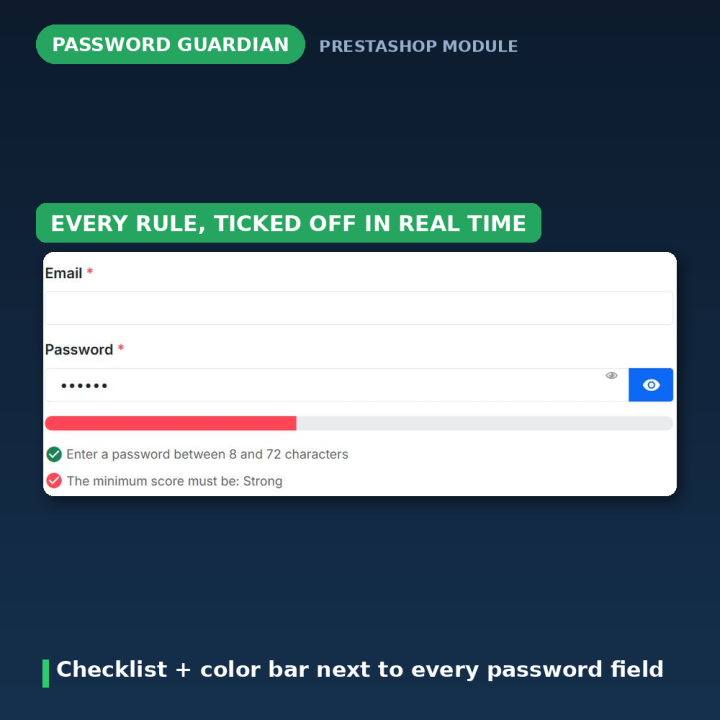
Instead of a vague "weak/strong" label, customers see a live checklist as they type: "At least 8 characters ✓ · One capital letter (A–Z) ✓ · One number (0–9) · One special character". Each rule ticks off in real time, the bar fills with color, and every rule can be explained with a tooltip on hover. Confused customers don't abandon registration — informed ones finish it.
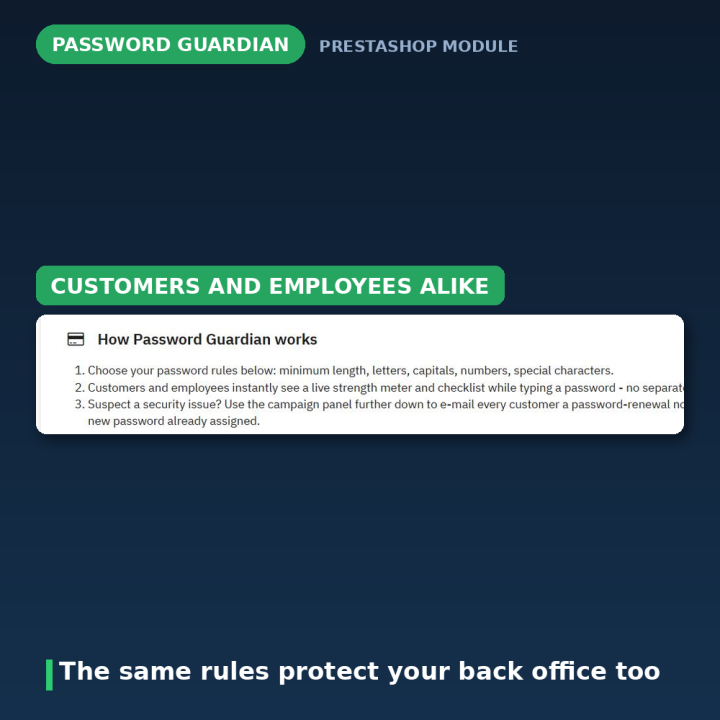
Rules for customers AND employees
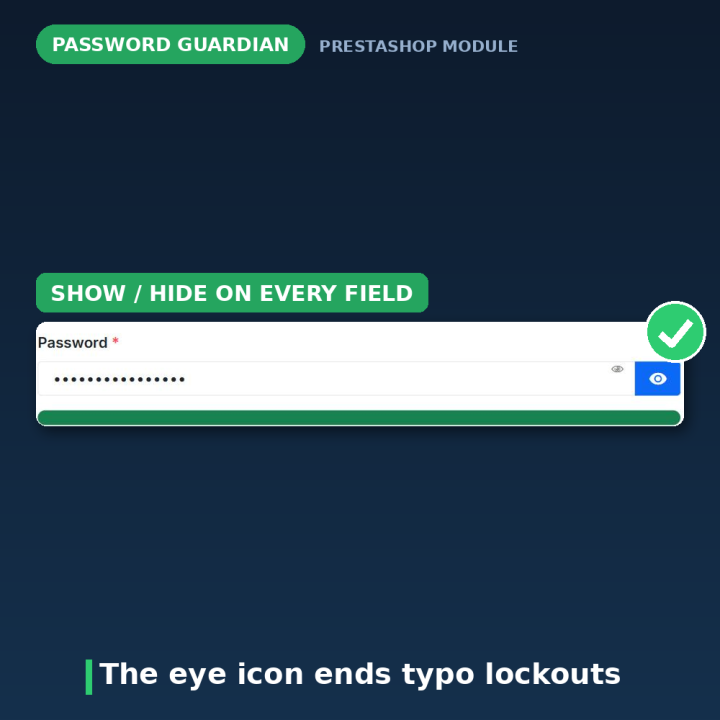
The same policy applies in the back office, where a weak password costs the most. Password fields everywhere get the meter and the click-to-reveal eye icon, so people can check what they typed instead of guessing.
A security operations toolkit
- Account activation emails — require customers to click a confirmation link before their account can sign in. Activation tokens are generated with a cryptographically secure RNG.
- Password-renewal campaigns — suspect a breach? Notify every customer to change their password, or have the module assign each customer a brand-new password (guaranteed to satisfy your own rules) and email it to them.
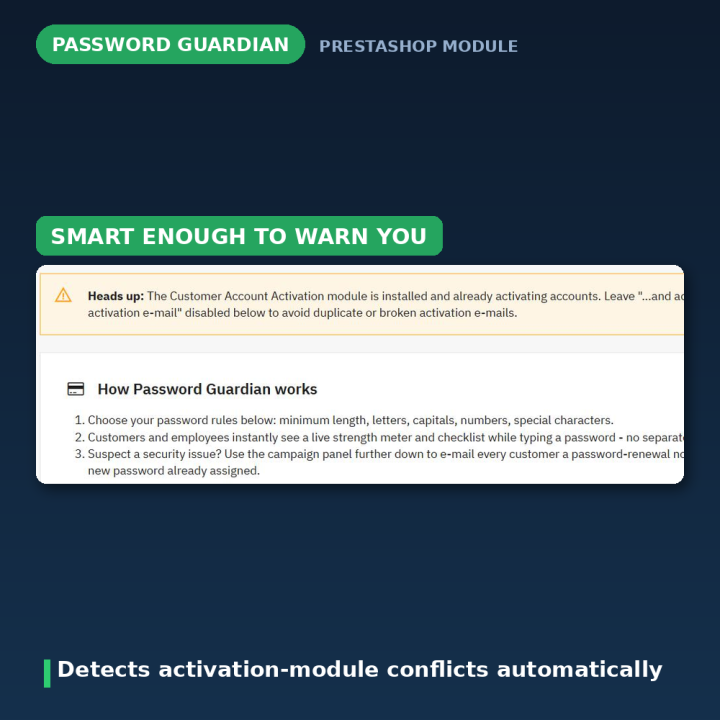
- Conflict detection — if the separate Customer Account Activation module is also active, Password Guardian shows a clear warning so activation is only handled once.
- Clean uninstall — removing the module restores PrestaShop's built-in rules and keeps all existing passwords untouched.
Compatibility
PrestaShop 1.7, 8 and 9. Works with any theme that renders standard password fields — the module attaches to `input[type="password"]` automatically, with no hardcoded page names.
Frequently asked questions
Does it cover back-office employees too?
Yes. The same rules, meter and eye icon apply to employee password fields — where strong passwords matter most.
Will it work with my customized theme?
Almost certainly. The module detects any standard password input on the page automatically; it doesn't rely on specific field IDs or page names.
What happens if someone registers with a weak password?
The rules are enforced at the form, with the checklist showing exactly what is missing. If your shop requires accounts for checkout, non-compliant signups are rejected cleanly rather than left half-created.
Can I force all customers to change their passwords after a scare?
Yes — one click sends every customer a renewal notice, or assigns each of them a fresh rule-compliant password delivered by email.
How do activation emails interact with other activation modules?
Password Guardian detects the overlap and warns you on its configure page, so exactly one module handles activation.
What happens when I uninstall?
PrestaShop's own password rules take over again, existing customer passwords stay exactly as they are, and activation emails stop.
-
Brand

-
Reference20326
-
EAN138691246220325
-
CompatibilityPrestashop 1.7
Prestashop 8
Prestashop 9 -
Available Module TranslationsDutch
English
French
German
Italian
Polish
Portuguese
Spanish
Turkish
Compatibility
PS1.7
PS8
PS9
Translations
 Dutch
Dutch
 English
 French
 German
 Italian
 Polish
 Spanish
 Turkish
Developer
 MEG Venture
4 other products in the same category

Video Testimonials - Customer Reviews and Social Proof Slider
€49.99
Rated out of 5 stars based on
review(s)
| Version | 2.0.1 |
|---|---|
| Last updated | 2026-07-25 |
| Changelog | • [2026-07-23] Translate Strong Password module strings to Turkish for improved localization and user experience. • [2026-07-23] Populate translation files with complete translatable strings • [2026-07-23] Populate translation files with complete translatable strings • [2026-07-23] Add authentic translations for FR, DE, PL, NL, TR, IT, ES • [2026-07-23] Complete translation files for FR, DE, PL, NL, TR, IT, ES • [2026-07-23] Populate translation files with complete translatable strings • [2026-07-23] Populate translation files with complete translatable strings • [2026-07-23] Populate translation files with complete translatable strings • [2026-07-22] feat: Enhance password strength widget by adding panel management and cleanup for orphaned elements • [2026-07-10] feat: Update documentation links and improve configuration handling • [2026-07-10] feat: Add Password Guardian module with live password strength meter • [2026-06-21] Add strong password validation feature for admin and customer forms • [2025-07-27] version upgrade • [2025-01-15] v1.5.16 • [2025-01-09] masking eye functionality • [2024-08-30] Guest checkout fix • [2024-03-06] Guest checkout password requirement check will not be mandatory • [2024-03-05] Update header.tpl file • [2023-10-02] Prestashop 8 security compatibility • [2023-09-18] v1.5.1 • [2023-09-11] V1.5.0 • [2022-08-29] number field confliction fix • [2022-03-03] v1.4.13 • [2022-02-20] v1.4.12 • [2021-12-15] v1.4.11 • [2020-12-19] Password reset function fix • [2020-11-02] v1.4.10 • [2020-11-02] First release v1.4.9 • [2020-11-02] Initial commit |
Comments (5)
Your review appreciation cannot be sent
Report comment
Report sent
Your report cannot be sent