Long pages need an exit
A category with sixty products, a filter sidebar, a long CMS page, a back-office list — the visitor scrolls, finds what they wanted, and then has to scroll all the way back. It is a small friction, repeated on every long page, and the fix is one button. This module gives you two.
Two buttons, each configured separately
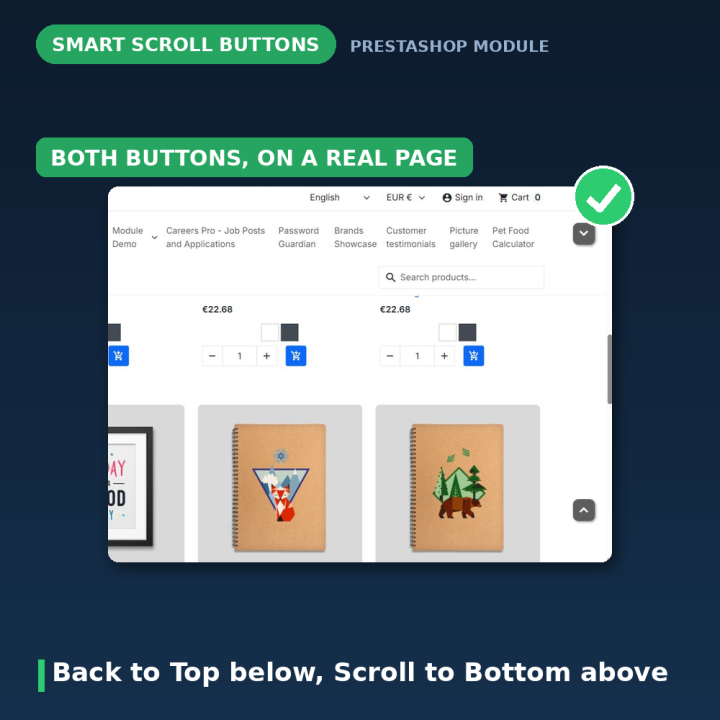
- Back to Top appears once a visitor has scrolled down. Clicking it smoothly scrolls back to the top.
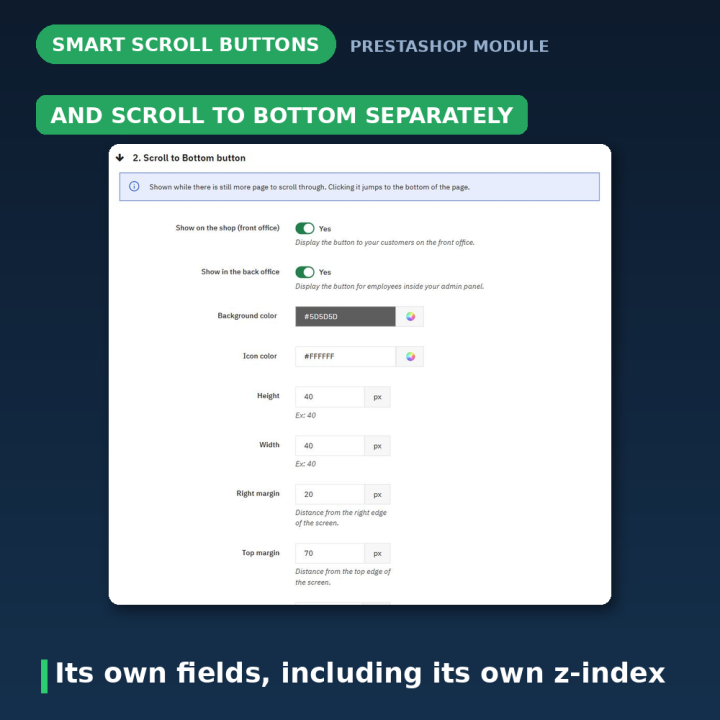
- Scroll to Bottom shows while there is still more page below. Clicking it jumps to the end — useful on long listings and on pages where the thing people want, like a form or a contact block, sits at the bottom.
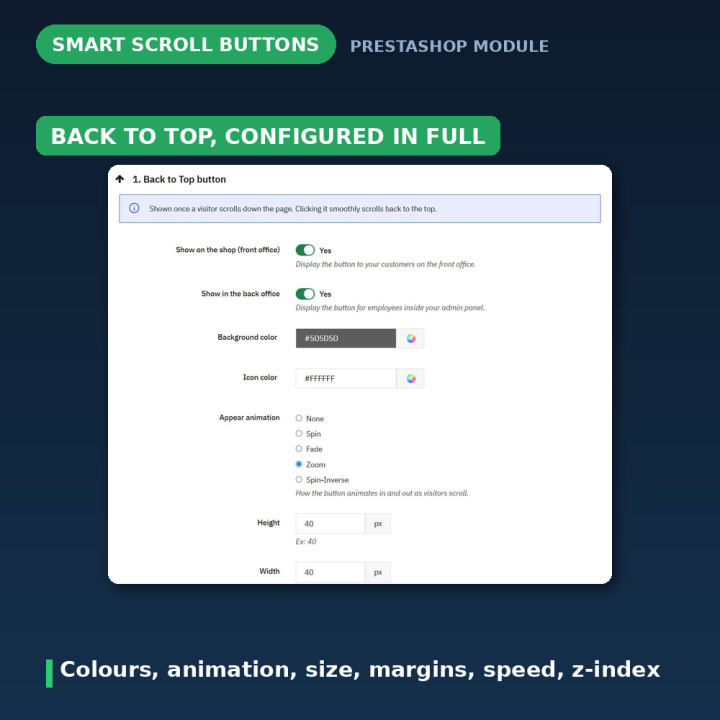
They are not one setting applied twice. Each button has its own shape, width, height, background colour, icon colour, margins, z-index and scroll speed, so you can make them a matching pair or deliberately different. Note that the appear animation is a setting on the Back to Top button.
A live preview instead of guesswork
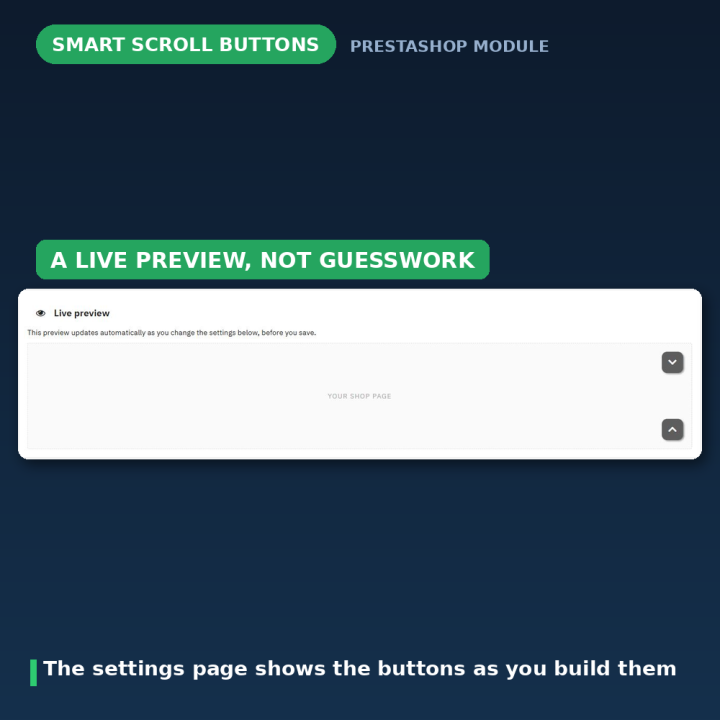
The settings page shows the buttons as you configure them. Change the shape, drag the colour, adjust the size, and the preview updates — so you are not saving, switching to the storefront, reloading and coming back. This is the difference between getting the look right in one pass and getting it right on the fifth.
Shape, colour and position
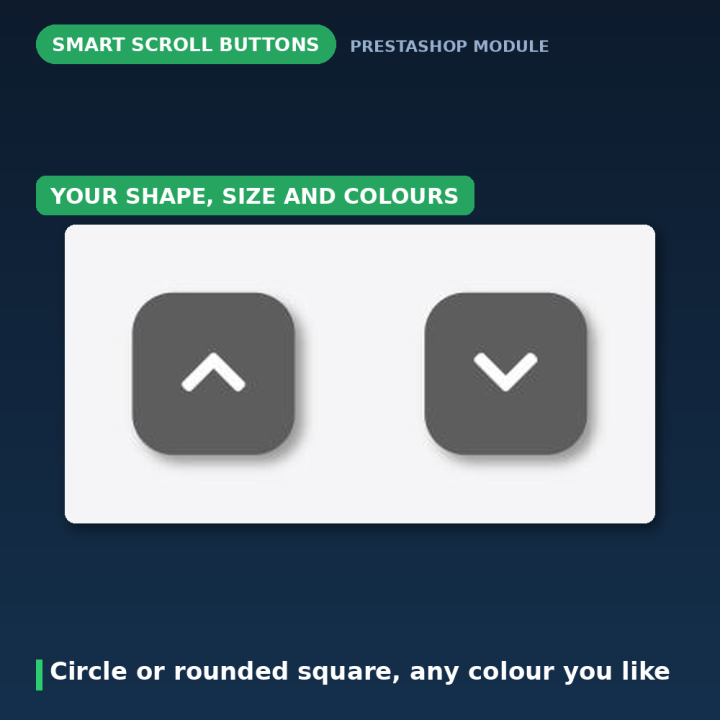
Choose circle or rounded square. Set the width and height, the background and icon colours, and the distance from the screen edges — right margin plus bottom margin for Back to Top, right margin plus top margin for Scroll to Bottom. A z-index setting decides which other elements the button sits above, which matters when a theme has a sticky header, a cookie banner or a chat widget competing for the same corner.
Motion you choose
The Back to Top button has an appear animation for how it arrives as the visitor scrolls: fade, spin, spin-inverse, zoom, or none if you want it to simply appear. Scroll speed, set separately on each button, is a number in milliseconds — higher is slower and smoother — so the return to the top can be a quick snap or a gentle glide.
Storefront, back office, or both
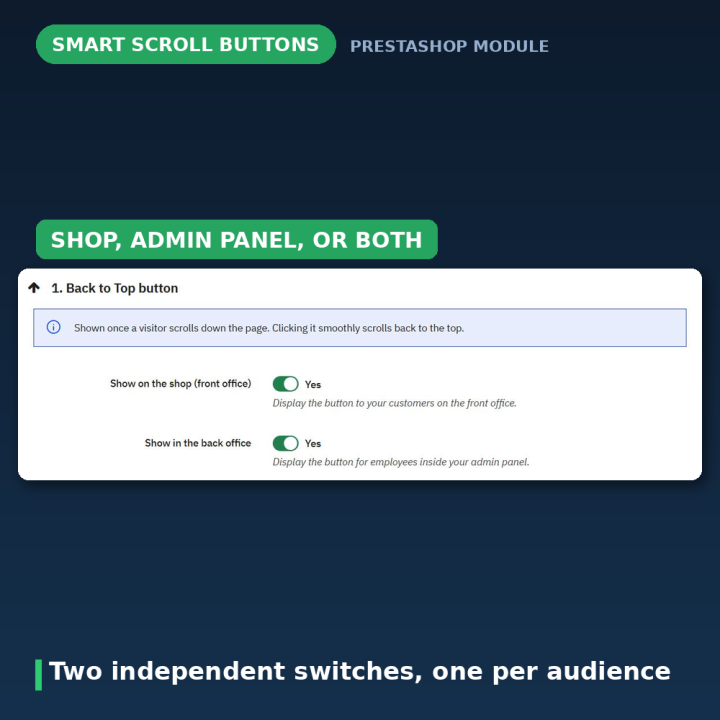
Two independent switches. Show the buttons to customers on the shop, show them to your team inside the admin panel, or both. Back-office product lists and long settings pages benefit from a Back to Top button just as much as a category page does.
Everything is validated
Colours must be real colours, numeric fields must be whole numbers of zero or more, and option fields must be one of the real options. Anything invalid is rejected on save with a message naming the field and the value — "#GGG" is not a valid color rather than a silent failure or a broken button.
Compatibility
PrestaShop 1.7, 8 and 9, in eight languages: Dutch, English, French, German, Italian, Polish, Spanish and Turkish. The buttons render from the module's own template and stylesheet, with the icon font bundled rather than loaded from a third-party CDN — so nothing external is requested and the buttons still appear if a CDN is unreachable.
Frequently asked questions
Can I have only the Back to Top button?
Yes. The two buttons are configured independently, so you can run either one on its own or both together.
Will it clash with my sticky header or chat widget?
That is what the z-index setting is for — raise it to sit above the competing element, or lower it to sit behind. The margins let you move the button out of the way entirely.
Do I have to save to see how it looks?
No. The settings page previews both buttons live as you change shape, size and colours.
Can I show it in the back office too?
Yes, that is a separate switch. Long admin lists benefit from it as much as the storefront does.
How do I make the scroll slower and smoother?
Raise the scroll speed value — it is in milliseconds, so a higher number means a longer, gentler glide.
What shapes are available?
Circle and rounded square, each with its own width and height.
Does it load anything from an external server?
No. The icon font ships with the module, so nothing is fetched from a CDN and the buttons render even if one is blocked.












Comments (1)
Your review appreciation cannot be sent
Report comment
Report sent
Your report cannot be sent